traffic sign recognition using CNN and Keras
Download the CSV file from the following link https://www.kaggle.com/datasets/meowmeowmeowmeowmeow/gtsrb-german-traffic-sign You’ve probably heard about self-driving automobiles, in which the driver is completely dependent on the vehicle for transportation. But for vehicles to reach level 5 autonomy, all traffic regulations must be understood and adhered to. Speed limits, no entry, traffic signals, turns to the left or right, children crossing, no passage of heavy trucks, etc. are just a few examples of the various types of traffic signs. The process of determining which class a traffic sign belongs to is known as categorization of traffic signs.
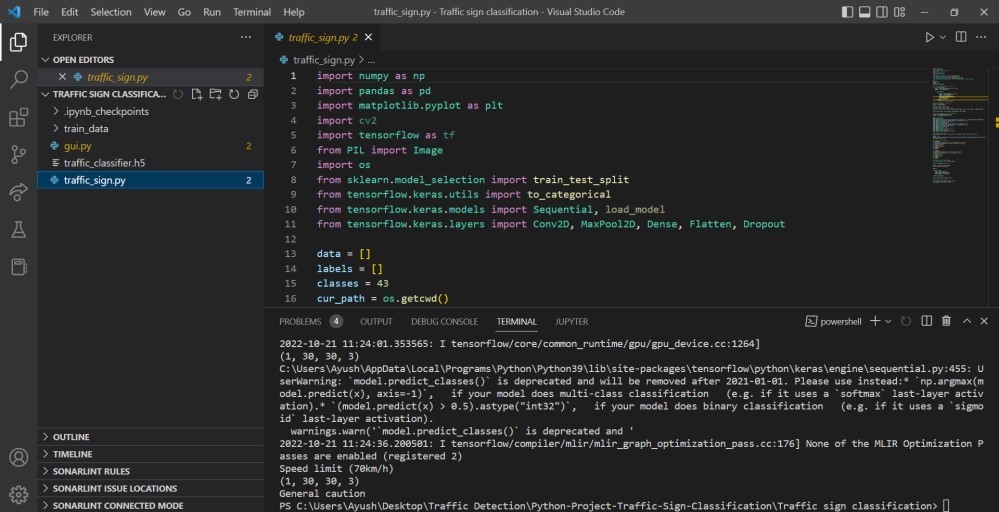
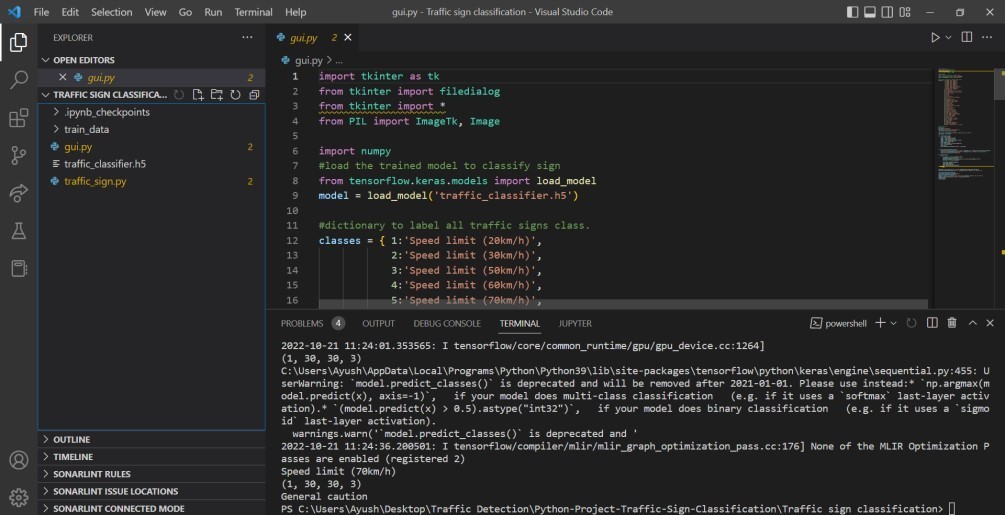
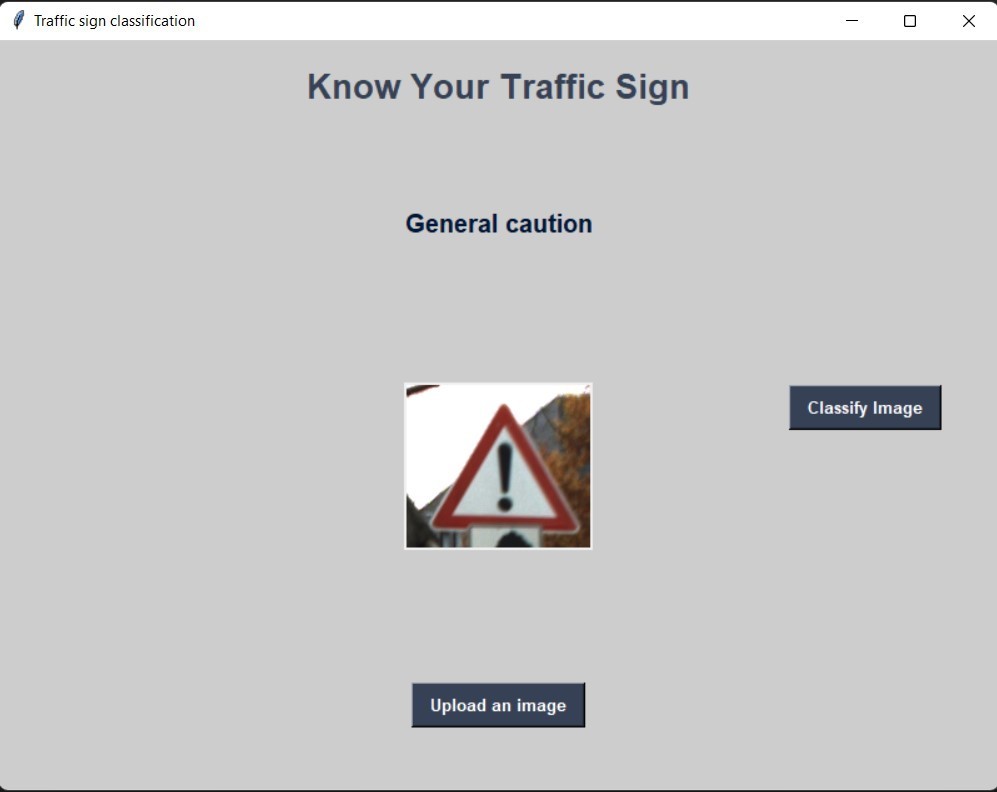
Follow the instructions below to run the project:- install Python, jupyter notebook to run the project. Import the relative path of the dataset clone the project and install all the required libraries and run the ipynb file in jupyter notebook. *Download the CSV file from the following link https://www.kaggle.com/datasets/meowmeowmeowmeowmeow/gtsrb-german-traffic-sign.
Source Code: gui.py
import tkinter as tk
from tkinter import filedialog
from tkinter import *
from PIL import ImageTk, Image

import numpy
#load the trained model to classify sign
from keras.models import load_model
model = load_model('traffic_classifier.h5')

#dictionary to label all traffic signs class.
classes = { 1:'Speed limit (20km/h)',
            2:'Speed limit (30km/h)',
            3:'Speed limit (50km/h)',
            4:'Speed limit (60km/h)',
            5:'Speed limit (70km/h)',
            6:'Speed limit (80km/h)',
            7:'End of speed limit (80km/h)',
            8:'Speed limit (100km/h)',
            9:'Speed limit (120km/h)',
           10:'No passing',
           11:'No passing veh over 3.5 tons',
           12:'Right-of-way at intersection',
           13:'Priority road',
           14:'Yield',
           15:'Stop',
           16:'No vehicles',
           17:'Veh > 3.5 tons prohibited',
           18:'No entry',
           19:'General caution',
           20:'Dangerous curve left',
           21:'Dangerous curve right',
           22:'Double curve',
           23:'Bumpy road',
           24:'Slippery road',
           25:'Road narrows on the right',
           26:'Road work',
           27:'Traffic signals',
           28:'Pedestrians',
           29:'Children crossing',
           30:'Bicycles crossing',
           31:'Beware of ice/snow',
           32:'Wild animals crossing',
           33:'End speed + passing limits',
           34:'Turn right ahead',
           35:'Turn left ahead',
           36:'Ahead only',
           37:'Go straight or right',
           38:'Go straight or left',
           39:'Keep right',
           40:'Keep left',
           41:'Roundabout mandatory',
           42:'End of no passing',
           43:'End no passing veh > 3.5 tons' }

#initialise GUI
top=tk.Tk()
top.geometry('800x600')
top.title('Traffic sign classification')
top.configure(background='#CDCDCD')

label=Label(top,background='#CDCDCD', font=('arial',15,'bold'))
sign_image = Label(top)

def classify(file_path):
    global label_packed
    image = Image.open(file_path)
    image = image.resize((30,30))
    image = numpy.expand_dims(image, axis=0)
    image = numpy.array(image)
    print(image.shape)
    pred = model.predict_classes([image])[0]
    sign = classes[pred+1]
    print(sign)
    label.configure(foreground='#011638', text=sign)


def show_classify_button(file_path):
    classify_b=Button(top,text="Classify Image",command=lambda: classify(file_path),padx=10,pady=5)
    classify_b.configure(background='#364156', foreground='white',font=('arial',10,'bold'))
    classify_b.place(relx=0.79,rely=0.46)

def upload_image():
    try:
        file_path=filedialog.askopenfilename()
        uploaded=Image.open(file_path)
        uploaded.thumbnail(((top.winfo_width()/2.25),(top.winfo_height()/2.25)))
        im=ImageTk.PhotoImage(uploaded)

        sign_image.configure(image=im)
        sign_image.image=im
        label.configure(text='')
        show_classify_button(file_path)
    except:
        pass

upload=Button(top,text="Upload an image",command=upload_image,padx=10,pady=5)
upload.configure(background='#364156', foreground='white',font=('arial',10,'bold'))

upload.pack(side=BOTTOM,pady=50)
sign_image.pack(side=BOTTOM,expand=True)
label.pack(side=BOTTOM,expand=True)
heading = Label(top, text="Know Your Traffic Sign",pady=20, font=('arial',20,'bold'))
heading.configure(background='#CDCDCD',foreground='#364156')
heading.pack()
top.mainloop()